Review·Communities & Media
CCC described my day. I still had three questions before installing.
Too many coding-agent terminals is exactly my problem. I need to see how CCC fits the tools and remote setup I already trust.
What I tried
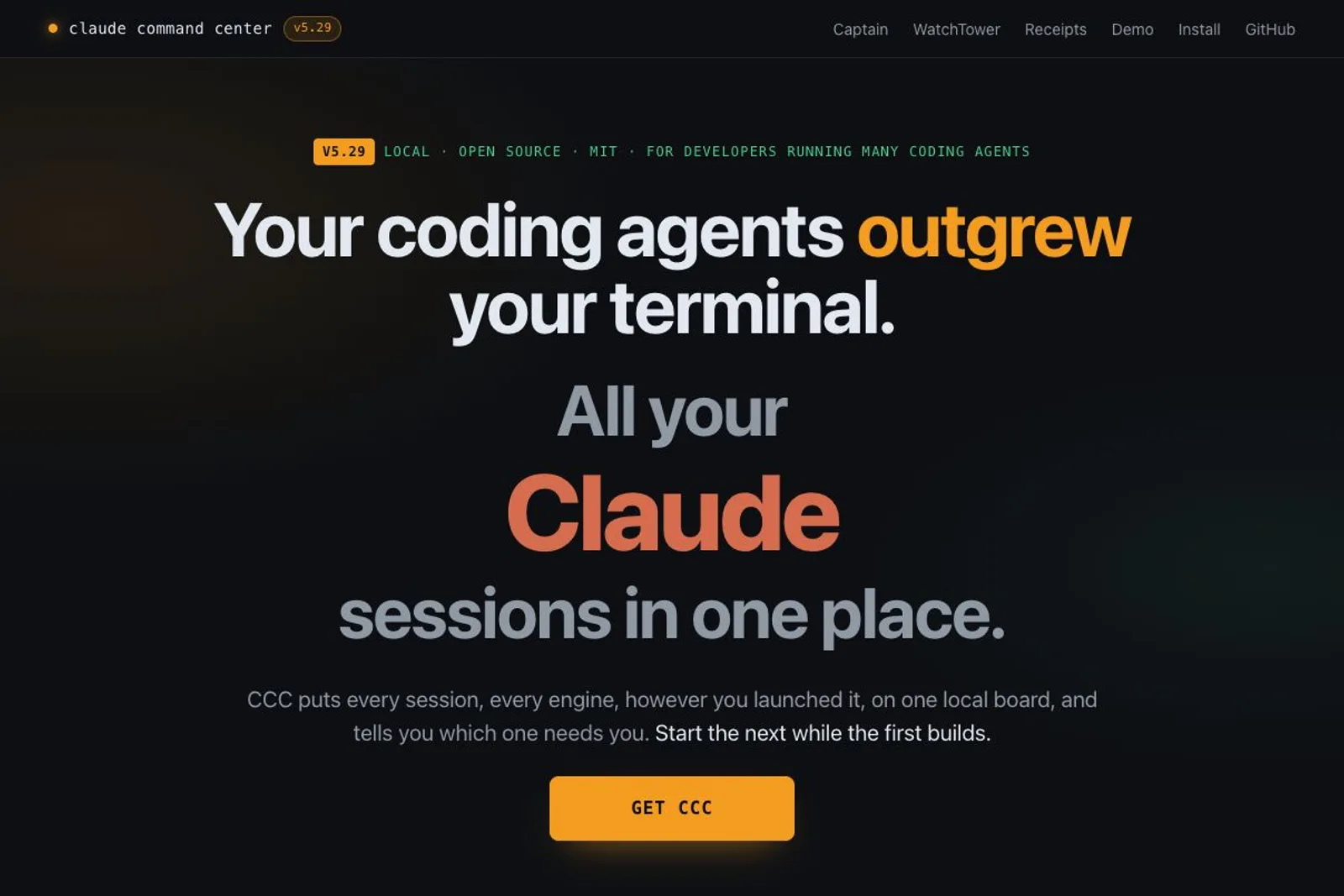
CCC's description of agents finishing unnoticed or waiting for an answer felt very familiar. I use Z Code, Codex, Kimi Code and Pi, often with fifteen or twenty terminal windows open. This was one landing page I wanted to keep reading, even though I usually have little patience for long explanations. I skimmed it from top to bottom, but stopped before installing. The problem it describes is real for me; this review is about what I needed to understand before trying its solution.
Where I got stuck
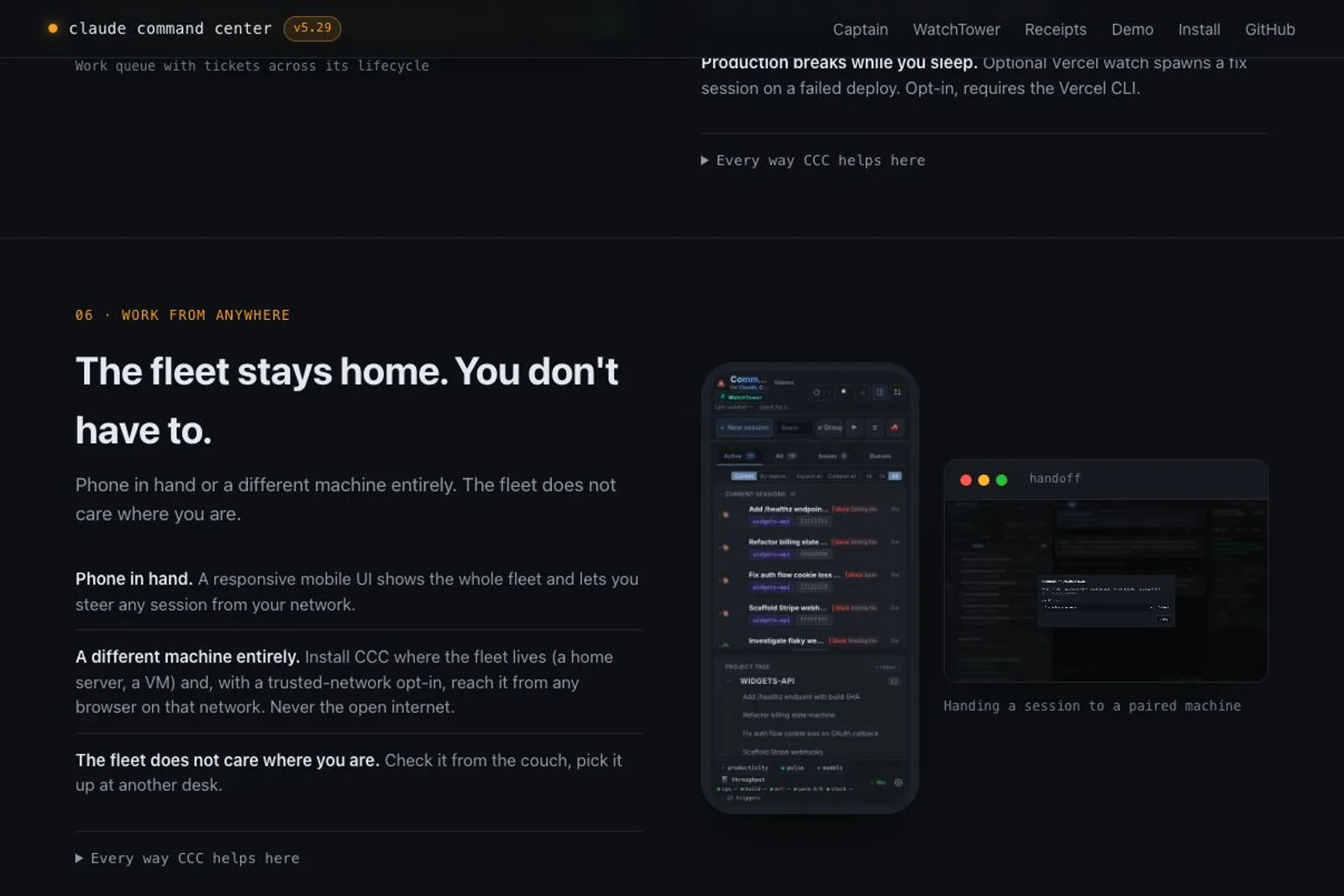
Three questions stayed with me. First, would I keep my existing harnesses? I believe each model works best with the tools built around it, and I do not want to move all my subscriptions into one replacement harness. After thinking about it, I realised CCC appeared to sit alongside them, but that reassurance had not landed at first glance. The docs do explain that it reads existing session state and can use native tools. Codex and Kimi Code are documented; Pi is marked as not yet wired, and Z Code is not listed in that support matrix. Second, what leaves my machine? The local architecture is described, and the telemetry policy excludes prompts, transcripts and file contents, but it also documents an anonymous beacon separate from the opt-in usage ping. That needs a clearer explanation than the word local alone. Third, my MacBook is usually an SSH client to a Linux development machine. The docs support a Linux-hosted dashboard reached from another browser on a trusted network. That is encouraging, but I have not verified my exact workflow. These answers exist in pieces; I wanted them together before downloading anything.
One thing I'd change
I would put a short 'Before you install' walkthrough next to the download button, built around an actual setup: existing agents run on a Linux development machine, CCC reads their session state there, and a MacBook opens the dashboard. Show which native tools and features are supported, what the install changes, and which data stays on that machine or leaves through optional features and telemetry. Include the SSH access path and its limitations. Keep the strong opening about missed questions and forgotten sessions. It already earned my interest; a concrete picture of the setup would make acting on it much easier.
Would I pay
Maybe. A reliable way to see which of my many sessions needs attention would be valuable. I would consider paying once I understand the fit with my existing tools, the data boundaries and my remote Linux workflow. I am not ready to install software just to discover those basics. I would also want the usage terms clarified: the landing page says MIT, while the current repository README says commercial use requires permission. I have not installed CCC or verified its runtime behaviour.
■
Reviewer is a verified founder on FoundeReview; review shown with their product.
Are you building Amir Fish? Claim it to stamp this review and reply on the record.