Review·Marketing & Sales
Page Pulse caught my interest with AI Insights. I want it to look further.
Outside data would make the analysis more valuable to me. Slack or email would help the resulting conversations reach me.
What I tried
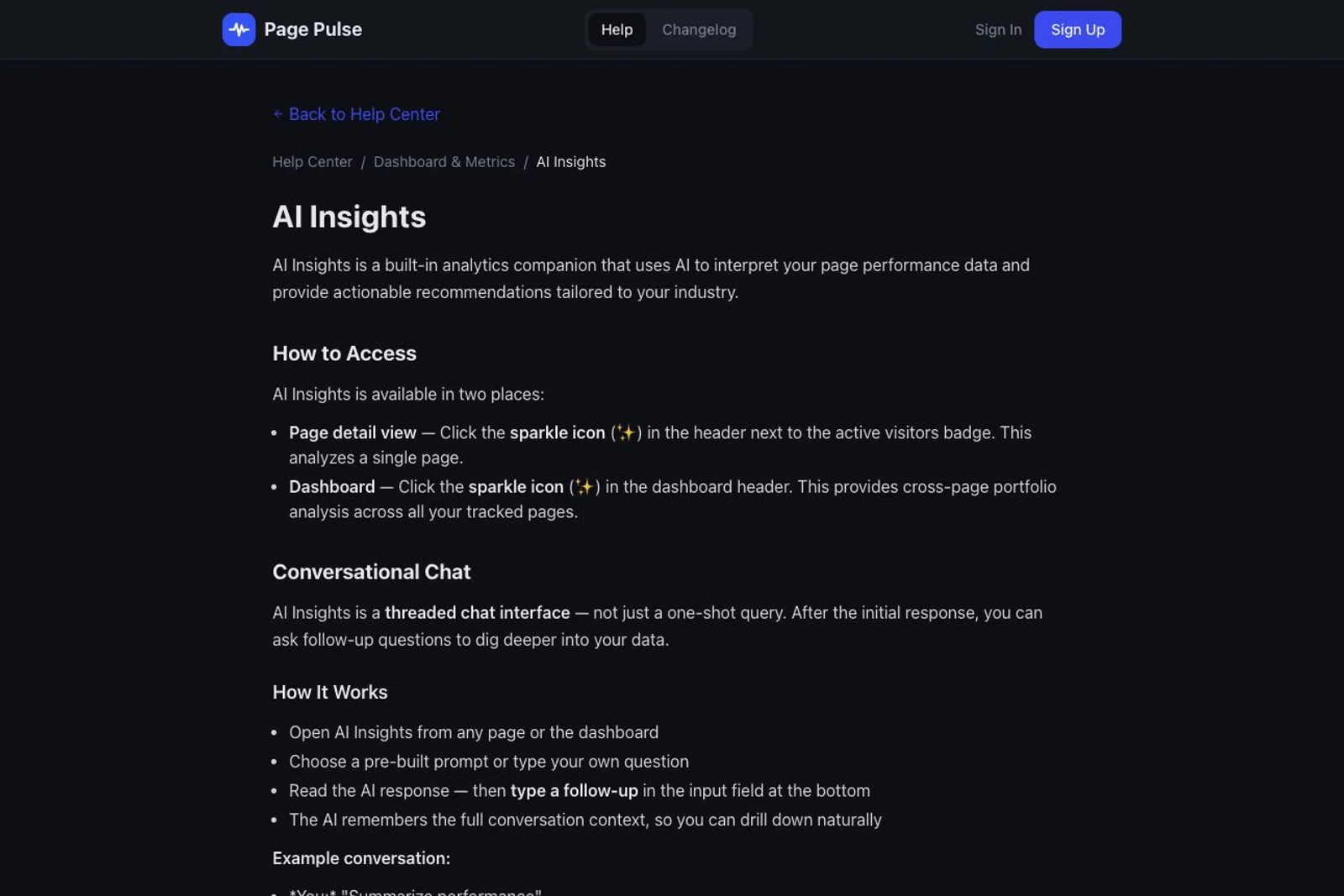
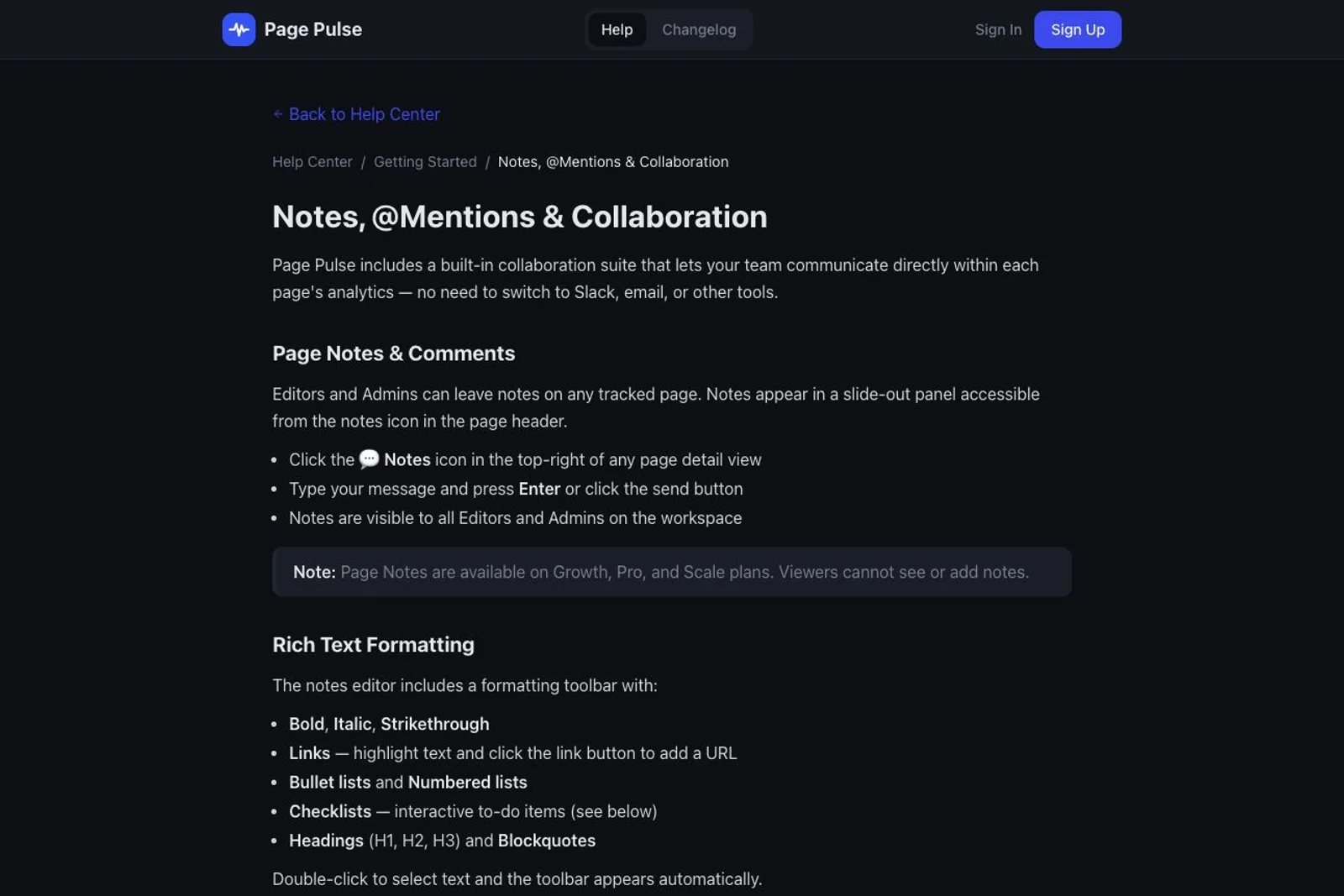
AI Insights is the part of Page Pulse I like most. Turning page performance into something I can question and act on is appealing. Its help guide describes follow-up conversations, analysis of individual pages and comparisons across a portfolio. I also noticed the notes and comments built around each page. Keeping a discussion beside the numbers makes sense. These are my impressions of the offer, with the public help guides as context; I have not tested the analysis on my own traffic or tried the team notification flow.
Where I got stuck
My hesitation is how much extra value I would get from analysis of my own site data alone. The AI guide mentions industry-specific benchmarks and reviewing the page URL, which is useful context, but it did not show me where the benchmark data comes from. I would find the paid offer more compelling if it brought in additional, traceable information from outside my sites. The collaboration side raises a different concern: I would not expect to keep an analytics app open throughout the day. The notes guide describes in-app mention notifications and an activity feed. I did not find Slack or email delivery explained there. A useful comment could sit beside the right chart and still never reach me.
One thing I'd change
I would build a stronger path from insight to action. Start by enriching paid AI Insights with outside data, for example relevant search or competitor data from Ahrefs, and show the source and how it changes the recommendation. Then let a teammate comment on that finding and notify me in Slack or by email, with a short excerpt and a direct link to the discussion. Keep the full conversation beside the analytics, but let me discover it where I already check messages. For me, that would make both the analysis and the collaboration more useful.
Would I pay
Maybe. AI Insights gives me a reason to keep looking. I would be more willing to pay for analysis made stronger by credible external data, and for comments that reliably reach me outside the dashboard. More interpretation of the same site metrics alone would not add enough value for me.
■
Reviewer is a verified founder on FoundeReview; review shown with their product.
Are you building Page Pulse? Claim it to stamp this review and reply on the record.