Review·Other
ihatelovepdf is better than its first impression
It covers most of my PDF needs. The homepage took longer to explain why I wanted it.
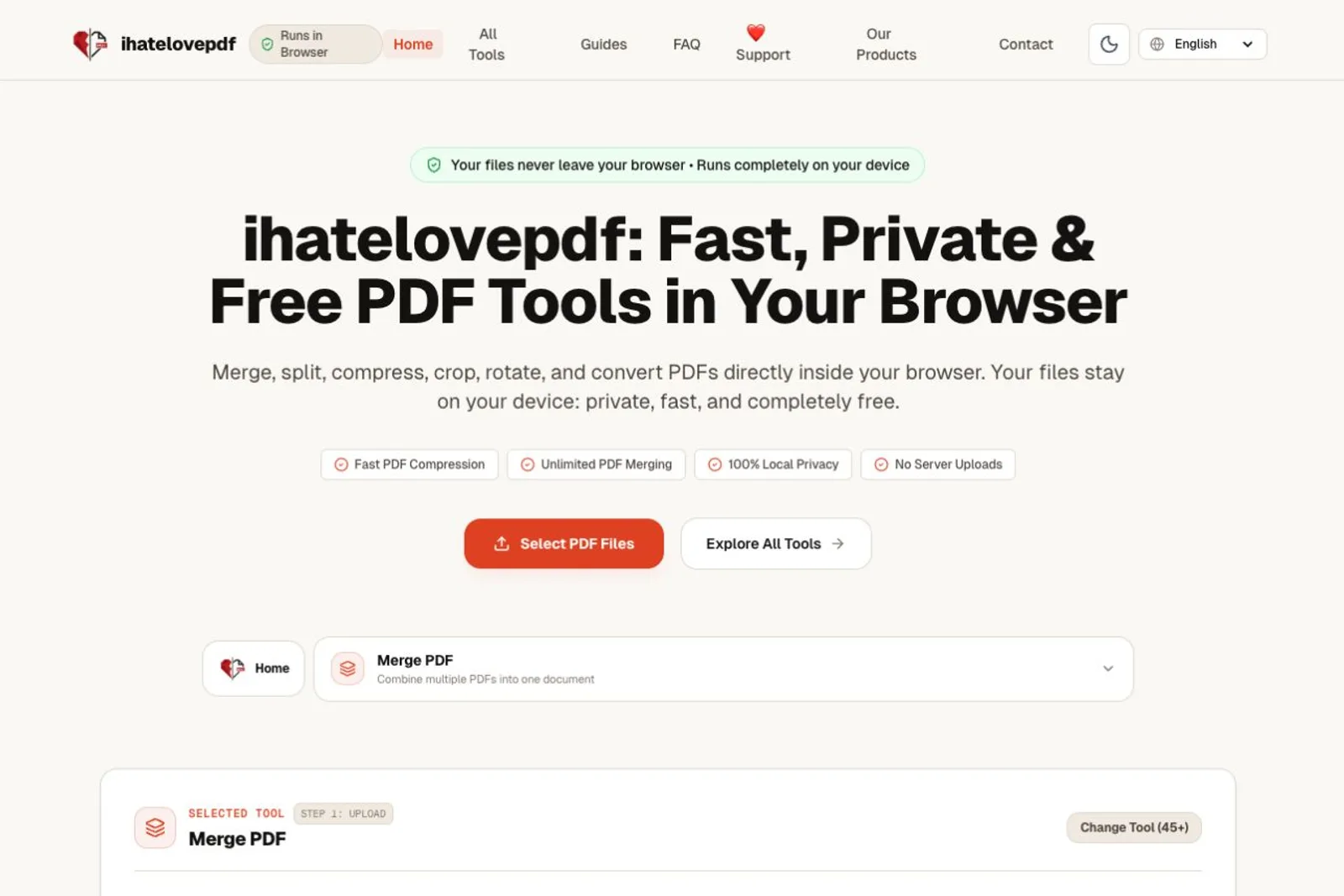
What I tried
ihatelovepdf covers most of what I need from a PDF tool, and I think the tool itself is very good. What stayed with me was its promise to process files entirely on my device. There are plenty of websites for working with PDFs or converting images. I had not realised how much I disliked handing my files to a server until this made me notice the alternative. PDFs in particular can contain private material I do not want to upload.
Where I got stuck
The homepage was the weak point for me. At first glance, I did not grasp how much PDF functionality was available. The main action is to select files, with Merge PDF shown underneath; the wider toolkit takes more looking. Local processing only clicked on my second look. The page does mention privacy and files staying on the device, so the information is there. The hero just did not make its significance land for me.
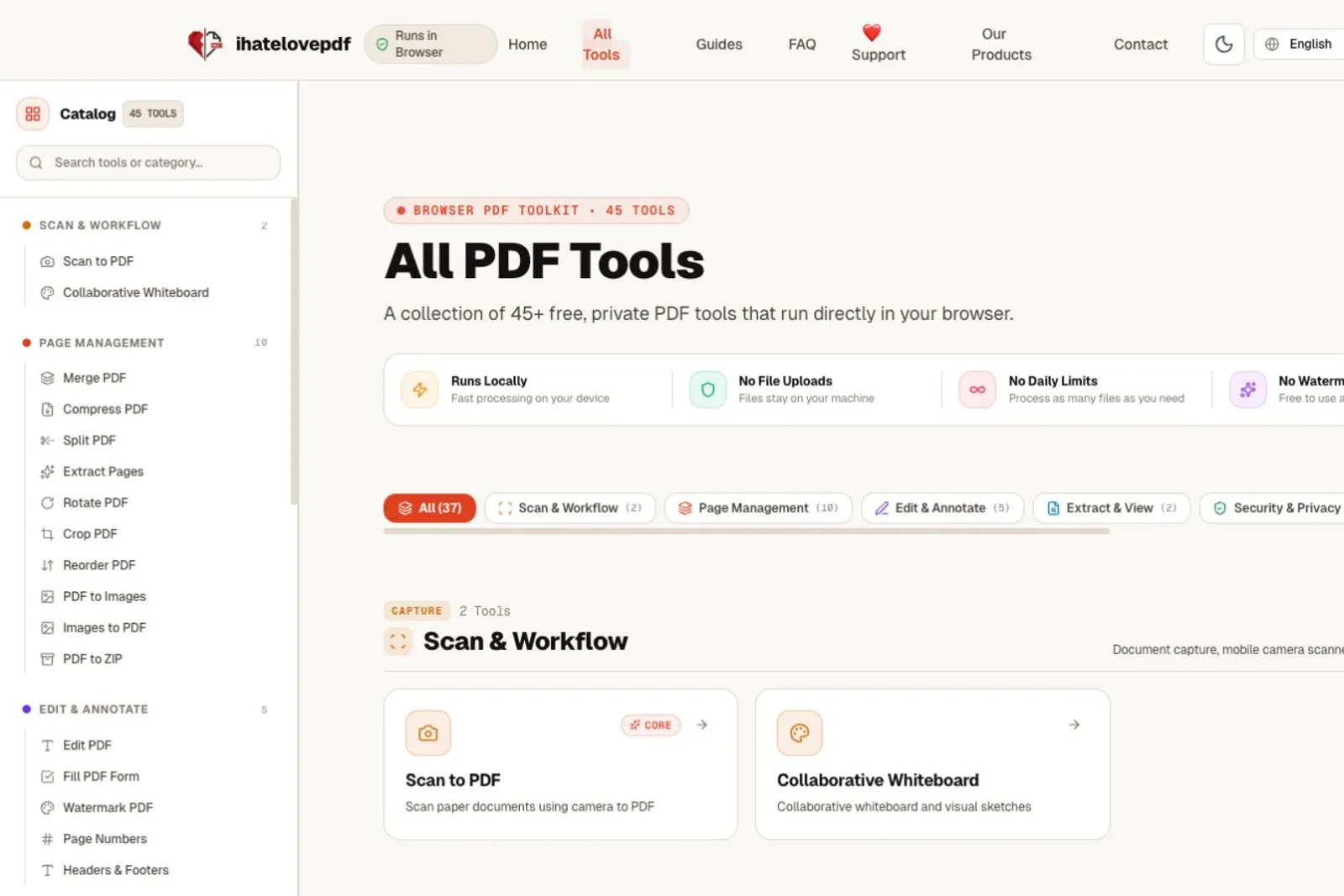
One thing I'd change
I would rebuild the hero around a concrete promise: work on private PDFs without sending them to a server. Put a small, visible selection of tools directly beneath it, so I can see the range and choose my task immediately. That would help me understand both what the product can do and why I would choose it. The tool is good; I want the first screen to make that easier to see.
Would I pay
I would pay for a tool that covers most of my PDF needs and keeps private files on my device. I could not find a pricing page. Free is welcome, of course.
■
Reviewer is a verified founder on FoundeReview; review shown with their product.