Review·AI
Tracepipe explained how to create a skill. I wanted to see it used.
I understood the idea of capturing an employee’s workflow. The step from an exported skill to useful work was much harder to picture.

What I tried
I opened Tracepipe and came away with a rough understanding: an employee demonstrates a browser workflow, and the product turns that process into a reusable AI skill. That is a concept I can follow. What I wanted to understand next was where that skill goes and what someone actually does with it. I also tried Google sign-in, but it did not work for me, so I did not get as far as recording a workflow or generating a skill.
Where I got stuck
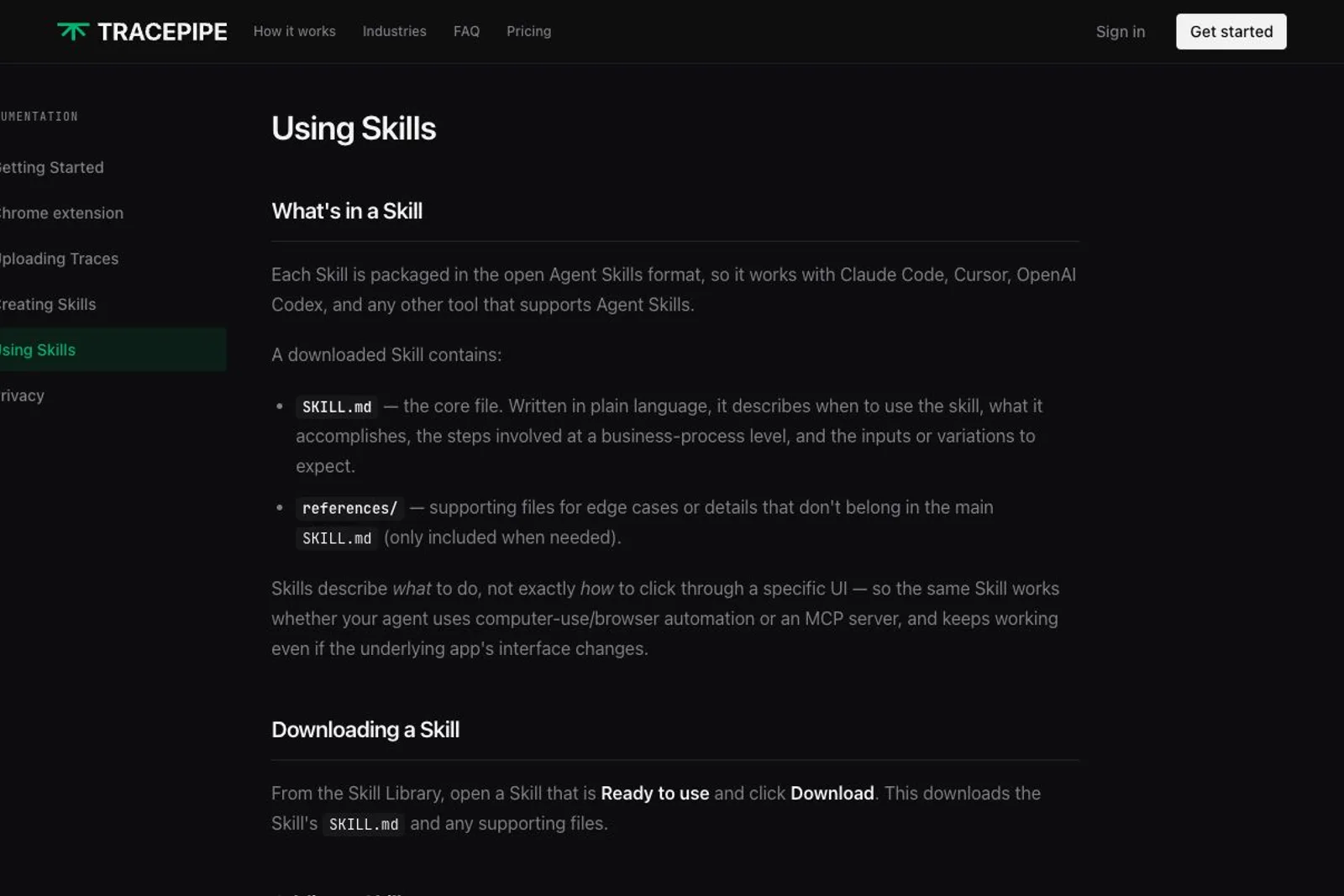
The homepage talks about tracing, creating, exporting and getting value from AI. I was still left asking: once the skill exists, how do I use it? The Using Skills documentation does answer part of that question. It describes a SKILL.md file with supporting material and names Claude Code, Cursor and Codex as compatible tools. Those details make the output much easier to understand. I wanted that explanation on the homepage, alongside a real example of the exported skill being used. A portable file is understandable; seeing an agent use it to complete another task would make the value tangible. The failed Google sign-in also blocked my chance to investigate through the product itself.
One thing I'd change
I would put one complete demonstration on the homepage: an employee performs a small task, Tracepipe produces the skill, and that skill is added to a named agent. Then show the agent doing the task with a different input and show how the result is checked. Include the tools or permissions the agent needs. The current walkthrough gets me to export; I want to see the next part just as clearly. That would help me understand both what I am getting and how much setup remains before it becomes useful.
Would I pay
Maybe. I would consider paying after seeing a generated skill work in an actual agent and understanding what I need to run it myself. For now, I have seen the explanation, not the complete workflow in action.
■
Reviewer is a verified founder on FoundeReview; review shown with their product.
Are you building Tracepipe? Claim it to stamp this review and reply on the record.