Review·Productivity
Stash caught my interest. I want the screen sharing to go both ways.
I work on a MacBook while my coding agents run on Linux. We keep seeing things the other side cannot.
What I tried
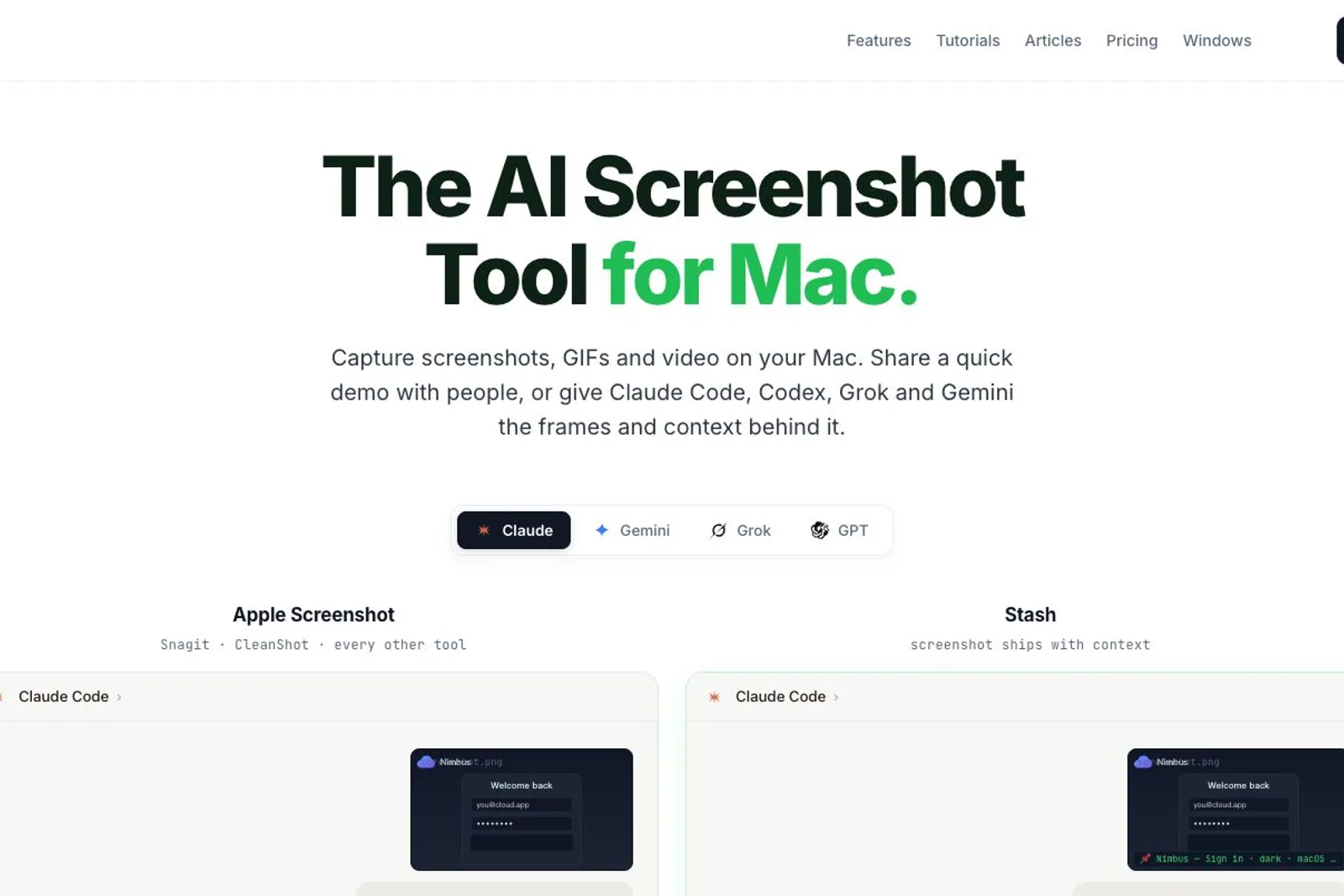
I downloaded Stash on my Mac and signed in. The menu-bar icon gives me an entry point for taking screenshots. That is a useful starting point, but the reason I am interested goes beyond capturing an image: I develop from a MacBook over SSH, with coding agents running on a separate Linux machine. Giving those agents a clearer picture of what I am looking at could remove a recurring interruption in my day.
Where I got stuck
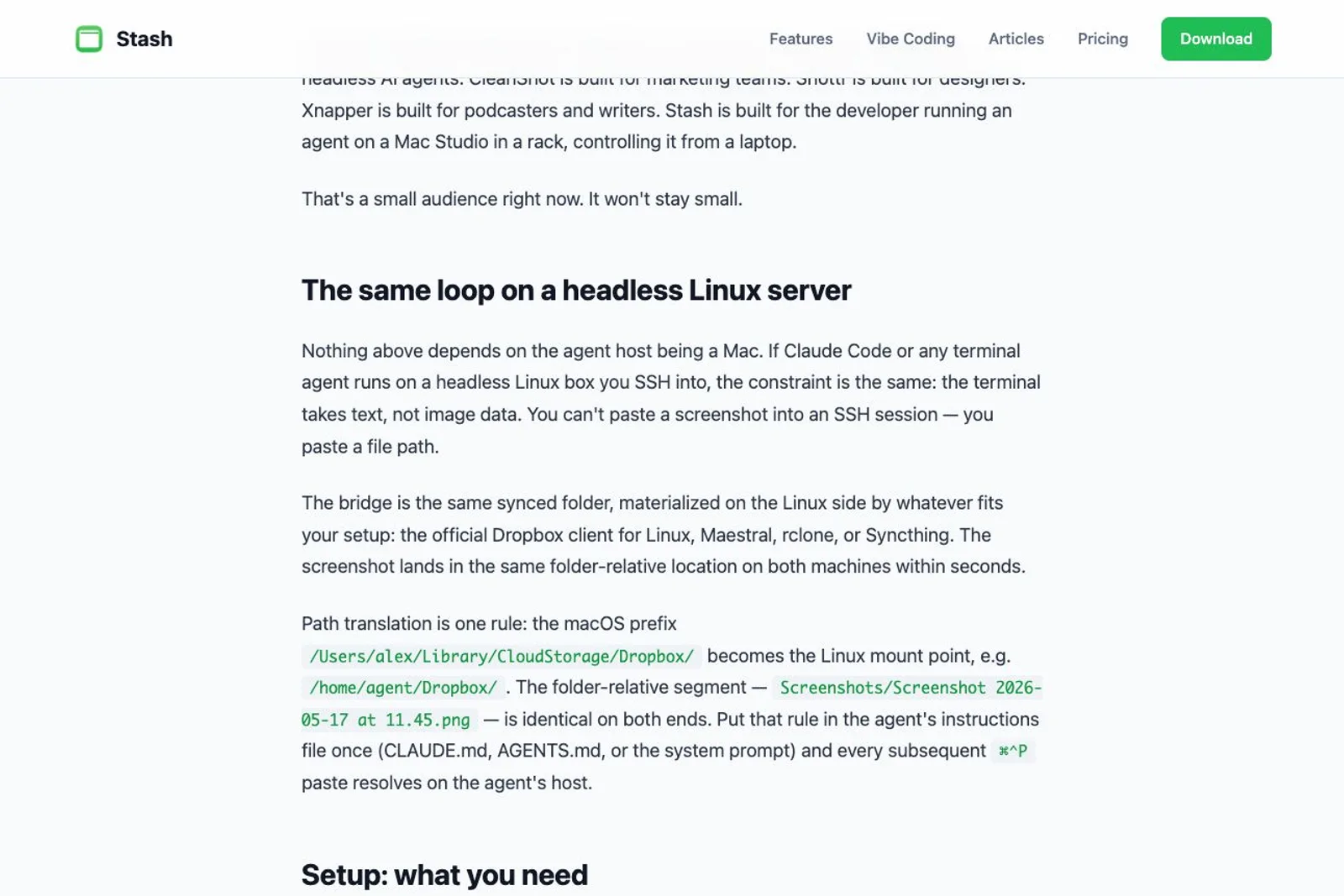
My setup has two sides to the same problem. An agent can launch a browser on the development machine and inspect it, but I cannot readily see that browser. I can see the interface on my MacBook, but the remote agent cannot readily see it. Stash does document a way to send local captures to a headless agent through a synced folder and a path-mapping rule. That acknowledges a real need. I have not set up or verified that workflow yet, and it still leaves me wanting a clearer way to bring the remote browser view back to my Mac.
One thing I'd change
I would make that exchange work smoothly in both directions. Let me send a selected view from my Mac to the agent, then let the agent send its remote browser view back for me to inspect and mark up. Keep the screenshot, URL and relevant context together, without making either side repeatedly move files or explain paths. A guided MacBook-to-Linux setup would make the benefit concrete. I would also want a clear choice of how those captures travel between my own machines. The outcome I want is simple: we should be able to look at the same thing, whichever machine it started on.
Would I pay
Maybe. I would consider paying if Stash made that two-way exchange dependable and easy in my remote workflow. The Mac client is downloaded and I have signed in, but this is an early impression, not a completed test of cross-machine sharing.
■
Reviewer is a verified founder on FoundeReview; review shown with their product.
Are you building Stash? Claim it to stamp this review and reply on the record.